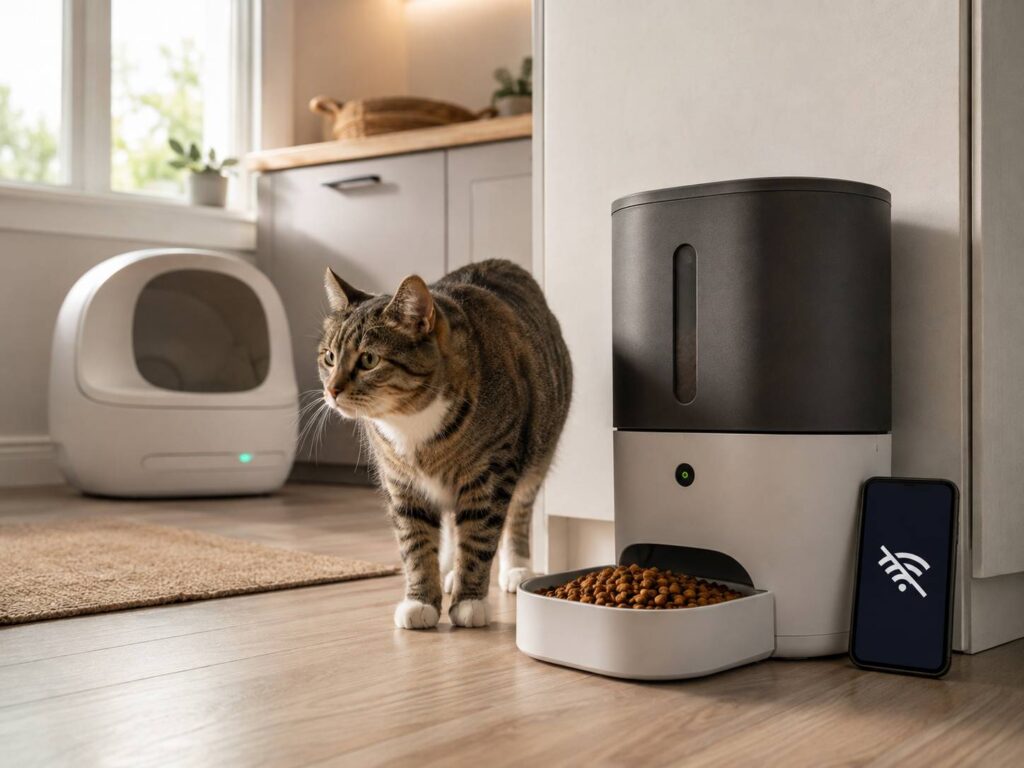
Smart pet feeders and automatic litter boxes promise convenience, but that promise can feel less certain when the internet goes down. Will your pet still get dinner? Will the litter box keep cleaning? Or does everything stop until Wi-Fi returns?
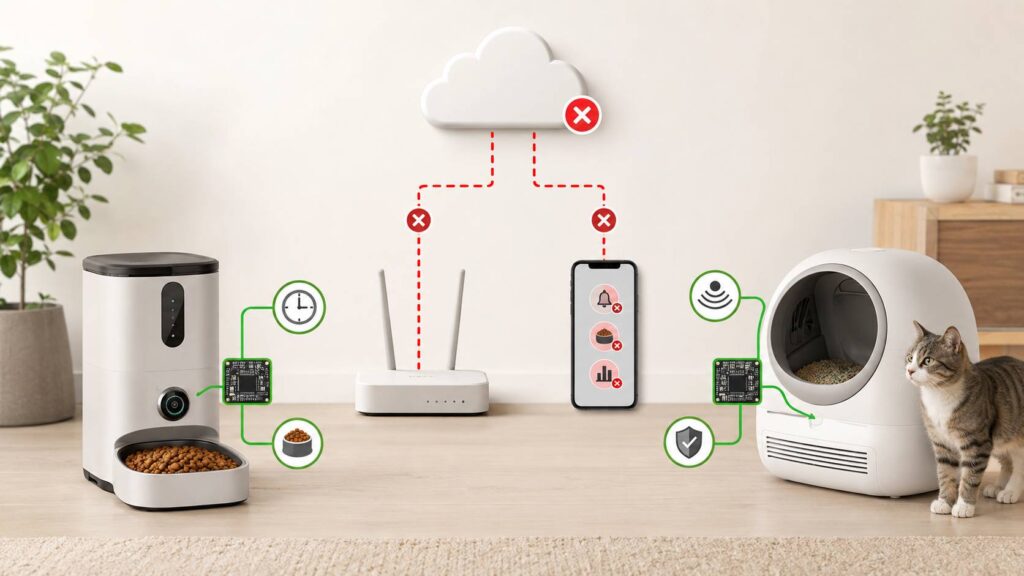
The short answer is that many smart pet feeders and litter boxes work offline, at least in a basic sense. A feeder may continue dispensing scheduled meals, while a litter box may keep running automatic cleaning cycles. Still, app controls, alerts, cameras, activity records, and health tracking often need an internet connection.
The details vary between brands, models, and even firmware versions. That is why it helps to understand what “offline” really means and how to test a device before relying on it.
Not every type of outage is the same
People often say a device is offline when several different things could be wrong. These failures do not always produce the same result.
An internet outage means your router and home Wi-Fi may still be working, but neither can reach the wider internet. The feeder or litter box remains connected to the router, yet it cannot contact the manufacturer’s cloud service.
A Wi-Fi failure disconnects the pet device from your home network completely. The router may be switched off, the signal may be too weak, or the Wi-Fi name or password may have changed.
A cloud outage happens on the manufacturer’s side. Your internet connection works, but the app or its supporting online service does not. From the user’s point of view, this can look exactly like a problem at home.
Then there is a power outage. Unless the device has charged backup batteries, both its connected features and its core mechanical functions will stop.
A product that handles an internet outage well may still be useless during a power cut. It is worth testing these situations separately.
Do smart pet feeders work without Wi-Fi?
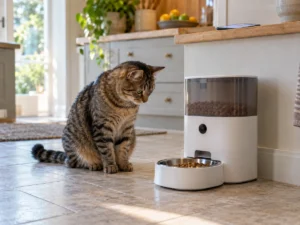
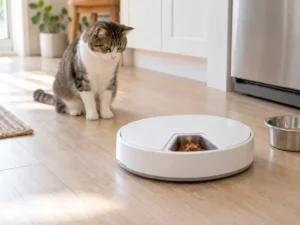
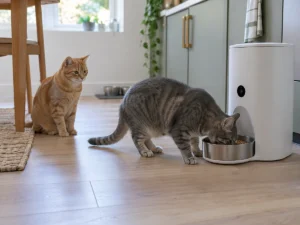
Many smart feeders store meal schedules in their internal memory. Once the app sends the schedule to the feeder, the device can use its own clock to dispense meals without contacting the cloud every time.
PETLIBRO, for example, says locally saved schedules normally continue on supported feeders when they go offline. Remote feeding and app controls become unavailable until the connection returns. The company also lists model-specific exceptions, which shows why checking the manual for the exact product matters.
A well-designed feeder should retain basic functions such as:
- Saved meal times
- Programmed portion sizes
- Selected feeding days
- Manual feeding from a physical button
- Basic warnings shown on the device
- Scheduled dispensing during a short internet outage
The connected features are more likely to disappear. Depending on the model, you may lose:
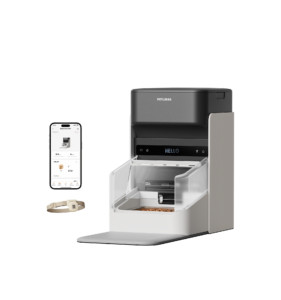
- Remote feeding from your phone
- Push notifications
- Low-food alerts
- Live camera access
- Feeding history
- Shared app controls
- Cloud-based reports or subscription features
There is another detail that is easy to miss. A schedule may work offline only after the feeder has received and saved it. If you change a meal time in the app while the feeder is disconnected, that change may not reach the device.
The app might show the new schedule even though the feeder still has the old one. Before leaving home, run a test meal and confirm what the machine actually does.
Battery backup can change how a feeder behaves
A feeder with batteries is not necessarily fully functional during a power outage.
Some models use batteries to keep the meal mechanism, internal clock, and saved schedule running. At the same time, they may switch off Wi-Fi, cameras, audio, displays, or other features that consume more energy.
As a result, the feeder may continue serving meals while the app reports it as offline. That is often intentional rather than a fault.
Battery condition also matters. A set of batteries may have enough power to illuminate a status light but not enough to operate the motor reliably. Test the feeder on battery power and replace old batteries before a trip.
Do automatic litter boxes work without the internet?
Many self-cleaning litter boxes can still perform their main job without Wi-Fi. Their weight sensors, presence sensors, safety systems, motors, and position sensors are built into the unit.
Whisker says its Litter-Robot models can continue working as automatic litter boxes without the app or Wi-Fi. PETKIT also says the Purobot Max Pro 2 follows its preset settings after losing its network connection. Its app usage data does not update while the device is offline.
Depending on the model, an offline litter box may still be able to:
- Detect when a cat enters and leaves
- Start cleaning after the selected delay
- Rotate or rake the litter
- Pause when a cat approaches
- Respond to physical buttons
- Display faults through lights or an onboard screen
- Continue using previously saved settings
What you may lose is the ability to watch the machine from a distance. Waste-drawer alerts, visit history, cat weight records, health trends, remote cleaning, and camera features often rely on cloud access.
This creates a slightly awkward situation. The litter box may still clean normally, but you may not receive an alert if it becomes full or gets stuck. For someone who is away from home, missing that warning can matter almost as much as losing the cleaning function itself.
Offline operation does not always include local app control
It seems reasonable to expect the app to work as long as the phone and pet device use the same home Wi-Fi. In practice, many smart pet products are not designed that way.
The app often sends each command to the manufacturer’s cloud service. That service then passes the command back to the feeder or litter box. If the internet or cloud service goes down, the app cannot complete that round trip.
True local control keeps communication inside the home network. It does not require an outside server for basic commands. Unless the manufacturer clearly promises local control, it is safer to assume that the app needs internet access.
This is one reason physical controls still matter. A proper feed, cycle, reset, or power button gives you some control when the app refuses to connect.
How to test a smart pet device in offline mode
You do not need to wait for a real outage to find out what your device will do. A controlled test takes a little time, but it can prevent a nasty surprise later.
Start with a normal test
Configure the device, install any required firmware updates, and confirm that it works while connected.
For a feeder, schedule a small test meal. Check the time and the amount dispensed. For a litter box, confirm that it starts a cleaning cycle after the chosen delay.
This gives you a baseline. Without it, an incorrect schedule or setup problem could look like an offline failure.
Disconnect the internet but leave the router on
Disconnect your router from the internet while keeping its Wi-Fi network active. The pet device should remain connected to the router, but it will no longer reach the manufacturer’s servers.
Now check whether:
- Scheduled feeding still happens
- Automatic litter cleaning still starts
- Physical buttons continue to work
- The app offers any local control
- Notifications arrive or remain pending
- The device keeps accurate time
If possible, leave it offline for more than one scheduled event. A single successful meal does not prove that the daily schedule will continue correctly.
Turn Wi-Fi off completely
Next, switch off the router or temporarily move the device beyond its Wi-Fi range.
Repeat the same checks. Pay attention to the status lights or display. A useful product should make it reasonably clear whether it has lost Wi-Fi or encountered a mechanical fault.
That distinction can save time when a friend or pet sitter is trying to troubleshoot the device.
Restart the device while it is still offline
This is one of the most useful parts of the test. Some devices continue working because their settings remain in temporary memory. They may behave differently after losing power.
Once the machine is idle, disconnect and restore its power according to the manufacturer’s instructions. Keep the internet unavailable.
Check whether it remembers:
- Feeding or cleaning schedules
- Portion sizes
- The correct time
- Cleaning delays
- Sleep periods
- Safety and operating settings
Do not disconnect a self-cleaning litter box during an active cycle. Wait until it has returned to its normal resting position.
Test backup power
If the product supports batteries, disconnect mains power and watch what changes. Use only the battery type or backup system approved for the device.
Check whether scheduled actions continue, whether the motor runs more slowly, and whether Wi-Fi switches off. Also confirm that the device returns to normal after mains power comes back.
Some automatic litter boxes reduce motor speed or disable Wi-Fi to conserve their backup battery. That does not necessarily indicate a problem, but you should know about it before an outage.
Reconnect everything and check the app
Restore power, Wi-Fi, and internet access. Note how long the device takes to reconnect.
Then look closely at its history. Check for missing events, duplicate entries, delayed notifications, incorrect times, or changed settings.
Some products upload offline activity after reconnecting. Others leave a permanent gap in the app’s records. A litter box may pass the basic cleaning test while still losing important tracking data.
What good offline performance looks like
For a smart feeder, previously saved meals should continue at the correct times and in the correct portions. The manual feed button should also work. Ideally, the schedule survives a restart while the device remains offline.
For an automatic litter box, sensor-based cleaning and safety functions should continue locally. The physical controls should remain usable, and the unit should display mechanical problems without depending on a phone notification.
Remote commands and app records may stop during an outage. That is inconvenient, but it should not prevent the product from performing its basic job.
Even a strong offline mode cannot protect against every problem. Food can jam inside a feeder. A hopper can run empty. Batteries can fail. Litter can block a sensor, and a waste drawer can fill sooner than expected.
For that reason, no connected device should be the only safeguard for a medically critical feeding routine.
Questions to ask before buying
Claims such as “works without Wi-Fi” can be vague. They might mean that one physical button still works, not that every saved routine continues.
Before buying, look for clear answers to these questions:
- Does the device store schedules internally?
- Will those schedules survive a restart?
- Can you change basic settings without the app?
- Are there physical feed or clean buttons?
- What happens when the device runs on batteries?
- Does battery mode disable Wi-Fi or the camera?
- Will offline activity appear in the app later?
- Can initial setup be completed without internet access?
- Does the device require 2.4 GHz Wi-Fi?
- Do any useful features require a subscription?
- What happens if the manufacturer ends cloud support?
Many connected pet products still require a 2.4 GHz Wi-Fi network, although some models support both 2.4 GHz and 5 GHz. This affects setup and reliability, but it does not tell you whether the device can operate without the cloud.
A simple backup plan still matters
Keep a regular food bowl and traditional litter tray available. They are inexpensive backups during long outages, mechanical failures, or unexpected app problems.
Before leaving a pet alone, test the exact setup you plan to use. Check feeder portions with your pet’s usual kibble because different shapes and sizes can affect dispensing. Empty the litter box waste drawer, add the correct amount of litter, and clean any exposed sensors.
A camera may help you confirm that food reached the bowl, but smart cameras often depend on the same internet connection as the feeder. For longer trips, arrange an in-person visit instead of relying entirely on app alerts.
Most smart pet feeders and litter boxes can keep doing something when the internet goes down. The real question is how much they can still do. The best offline performers store essential settings inside the device, provide useful physical controls, retain their programming after a restart, and reconnect without creating new problems.