Furbo’s new Home Mode stops the alerts on your phone when you get home. It doesn’t stop the camera. Detection keeps running, and clips still go to your video history as your Furbo Nanny plan allows. To keep yourself off camera in the evening, you need Furbo’s on/off button or its on/off schedule. Furbo posted its Home Mode guide on September 22 and last revised it on October 15.
What Home Mode pauses
With Home Mode on, your phone stops getting Smart Alerts, Barking Alerts and Meowing Alerts from that camera once it enters your home area. They resume when you leave. Furbo files the feature under its Furbo Nanny help pages.
To set it up in the Furbo app:
- Tap Menu in the bottom-right corner.
- Pick the camera, then tap Home Mode.
- Turn it on and confirm your home location, either where you are standing or an address you search for.
- Set Furbo’s location permission to Always when the app asks.
A living room camera and a bedroom camera each need Home Mode set up separately, because it works per camera and per phone. On a shared account, every person sets it up on their own phone, and yours never mutes theirs.
Location set to Always
Furbo needs to notice you arriving even when the app is closed, which is why it asks for Always. Switching the permission later to While Using the App or Never turns Home Mode off. After you allow location again, open the Furbo app and check that Home Mode is back on.
On an iPhone, go to Settings, then Privacy & Security, then Location Services. Scroll to Furbo and choose Always, which Apple describes as access even when the app is in the background.
On Android, touch and hold the Furbo icon, tap App info, then Permissions and Location. Choose Allow all the time.
What keeps running while you’re home
Home Mode leaves detection running, and recordings carry on according to your settings and plan. Turning off a Smart Alert works the same way. Furbo’s alerts page says the switch changes only what reaches your phone, and the camera keeps capturing video history.
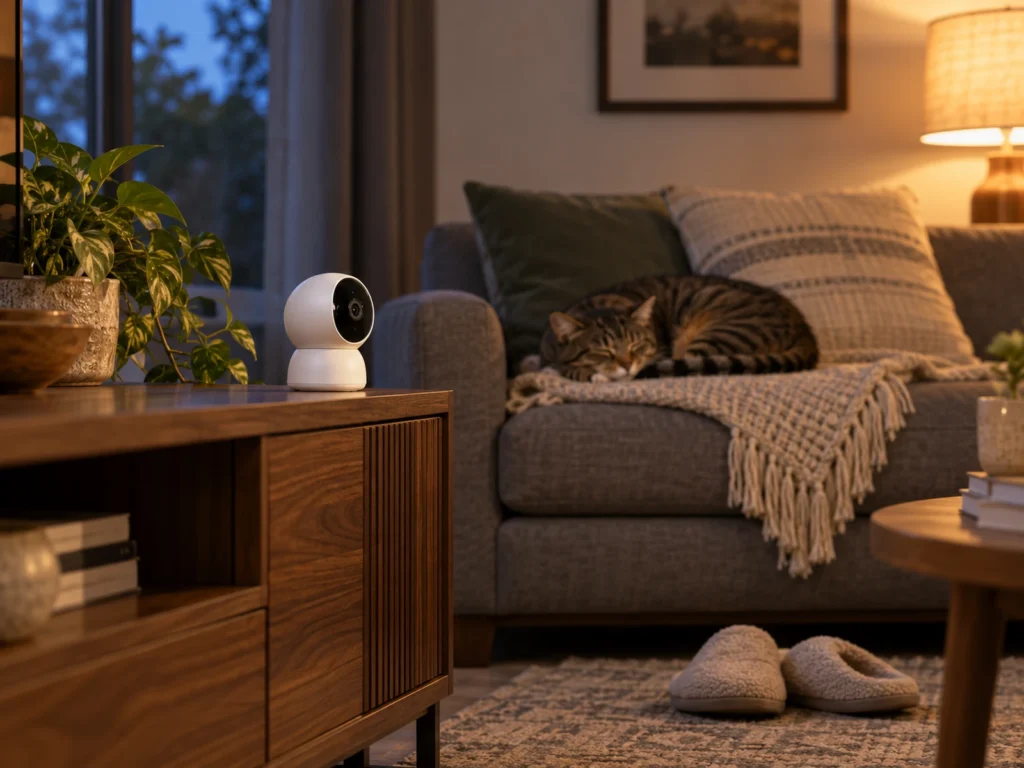
Furbo sells person detection as a home security alert in its Standard and Premium plans. People on a trial and new subscribers start with it off. Existing subscribers keep whatever they chose before, so check yours. With it on, a Furbo in the living room records you and your family walking past, sound included, and keeps the clips for up to three days on Standard or seven on Premium.
With Person Detection switched off, Furbo sends no person alerts and saves no clips that people set off. Video and audio go together in those clips, and Furbo has no setting to record them without sound.
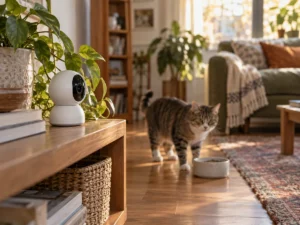
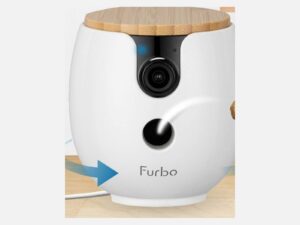
A camera that turns to follow the pet, like the Furbo Mini 360, covers more of a room than a fixed one. More of an evening at home falls inside its view as a result.
A family member who shares the account and is out at the time still gets the camera’s alerts as usual, person alerts included if they are on. Your Home Mode changes only your own phone.
Turning the camera off at home
The power button on the Furbo app’s home screen is Furbo’s Privacy Mode. Tap it and the camera shows Offline. While it’s off, Furbo doesn’t detect barking, send smart alerts or save video history, and Live View won’t open.
The on/off schedule does the same thing by the clock. Tap Menu, pick the camera, tap On/Off Scheduling and drag the sliders for each day. Furbo suggests exactly this use, turning the camera off while you’re home and back on when you leave.
Furbo’s scheduling guide sets two rules:
- A change takes effect from the next scheduled day. Set new hours on a Tuesday and they start on Wednesday.
- A camera switched on by hand during an off period stays on until the next scheduled day.
Furbo’s help pages describe no way to switch the camera off when your phone arrives home. Home Mode reacts to your location, but only for notifications.
Picking the setting for your home
Home Mode gives you a quieter phone and leaves the camera watching the pet for anyone who is out. For privacy at home it is the wrong tool. Set the schedule for the hours you are usually in, use the power button for the rest, and keep Person Detection off.