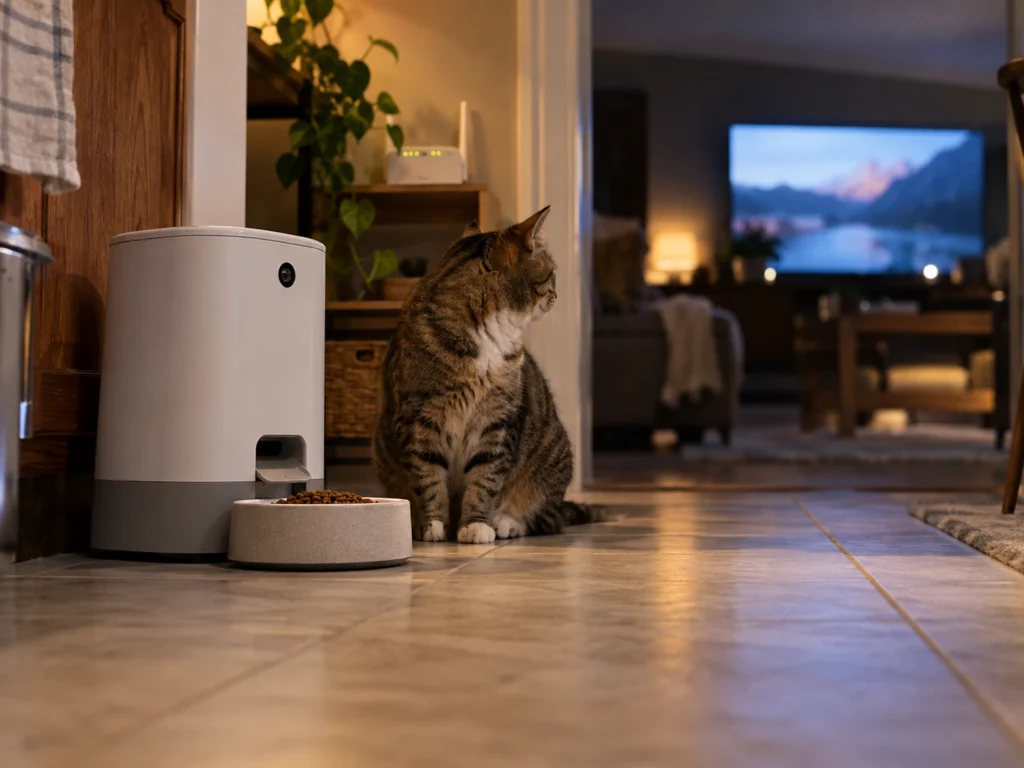
Smart TV network scanning stopped being a theory this month. On September 11, 2026, LG confirmed in a public statement that its televisions scan for and connect to nearby devices on the same network, and described that as a standard function across smart TVs and smart home products. The confirmation followed a technical investigation that counted at least 38 devices enumerated by a single set. If you run a pet camera, a smart feeder or a tracker base on the same Wi-Fi, a reasonable question follows. What does that inventory contain, and how much of it describes your household and your animals?
What was confirmed, and when
A research team published a long technical investigation on September 7, 2026, built on packet captures taken through a mirrored network port and on decompiled firmware. Among its findings, one television continuously scanned the local network and collected display names, MAC addresses, internal IP addresses and signal strengths for the devices it found.
The published list of enumerated hardware included staff phones and watches belonging to people not involved in the project, a 3D printer, an air purifier, network switches and thermostats. No pet device appeared in that list, and it would be wrong to claim otherwise. What matters for pet owners is the category, not the specific items. An air purifier and a thermostat are ordinary connected household appliances, and a smart feeder is the same kind of thing wearing a different shell.
LG’s response four days later disputed several claims in the investigation, particularly around microphones. On network scanning it did not dispute anything. It confirmed the behavior and framed it as normal across the industry, which is a fair description of how the protocols work.
Why your pet camera is on that list at all
Local discovery is not an attack. It is how home networking has worked for twenty years, and your pet gear depends on it.
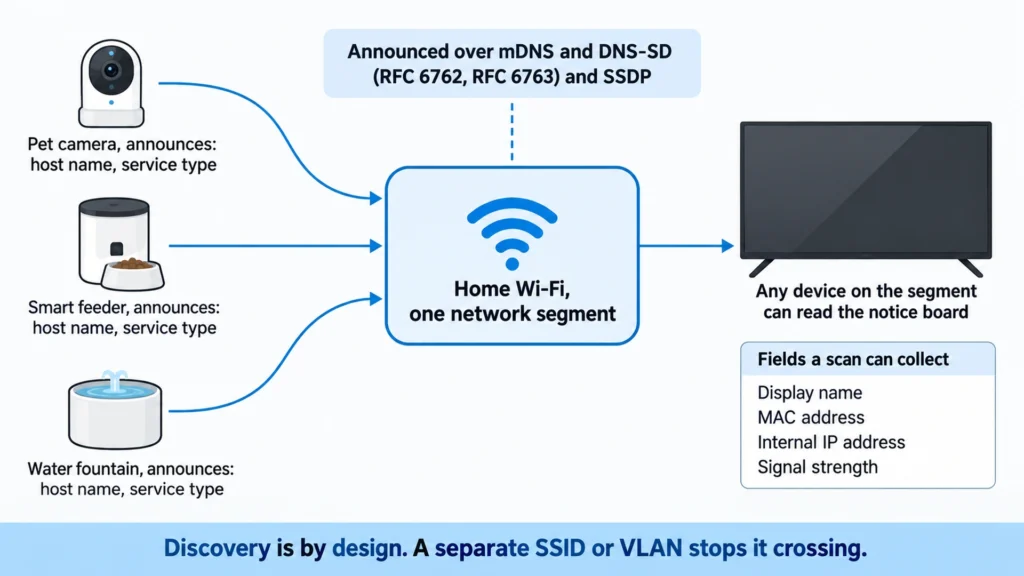
Two mechanisms do most of the work. The first is multicast DNS with DNS service discovery, defined in RFC 6762 and RFC 6763, which lets a device announce a host name and a list of services to everything on the local segment. The second is SSDP, the discovery half of UPnP, which does something similar for media and gateway devices. Both are built to broadcast. Any device on the segment can listen.
So when your phone finds the feeder during setup, or your camera streams locally without going through a server, discovery made it possible. A television listening to the same broadcasts is not breaking in. It is reading a notice board that every device on your network writes to.
The part that is specific to pet gear
Here is where pet devices differ from a thermostat, and it is the detail most coverage misses. Pet owners name things.
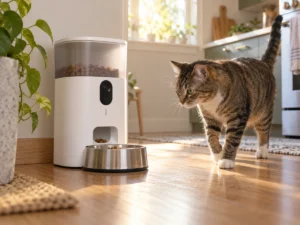
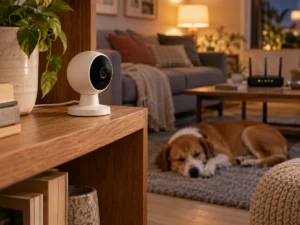
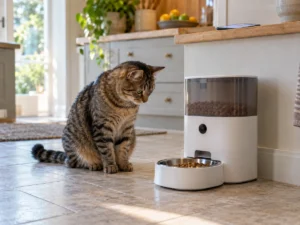
A thermostat usually keeps whatever name the manufacturer gave it. A pet camera gets renamed during setup, and the name people choose is descriptive: the animal’s name, the room, sometimes the reason the camera exists. Put a hostname such as kitchen-feeder, or a camera labeled with a pet’s name, in a device list and it carries more household information than a MAC address ever will. It suggests how many animals live there, which rooms are monitored, and that someone is away often enough to need remote feeding.
None of that requires a vulnerability, and none of it is hidden. It is the name you typed, broadcast by design, readable by anything on the same network.
Keeping it in proportion
Three clarifications keep this in proportion.
This is not evidence that a television can see through your pet camera. Video and audio streams are separate from discovery, and nothing in the investigation suggested otherwise.
Nor is this unique to one brand. LG’s own framing, that other manufacturers do the same, matches how the protocols are specified. Treat the finding as a property of connected homes in general.
Finally, this is not the biggest privacy question about a pet camera. The larger one has always been the vendor’s own cloud, the retention period for clips, and who can access the account. Network discovery adds a second, quieter channel on top of that.
Separating pet devices from the rest of the network
Segmentation is the real answer, and most modern routers can do it without extra hardware. Putting cameras, feeders and fountains on their own SSID or VLAN means a television on the main network cannot enumerate them, because discovery traffic does not cross the boundary.
Band support decides how easy this is. Older pet hardware often runs 2.4 GHz only, which forces you to keep a 2.4 GHz network available for it. Newer models are more flexible. The PETLIBRO Granary Smart Camera Feeder Dual Bowl, for example, supports 5 GHz as well, so it can sit on a separate modern band and leave the legacy one to everything else. Check that specification before planning a split, because it determines how many networks you end up running.
What separation breaks, and what to expect
Be ready for friction, because the same isolation that hides a device from a television also hides it from your phone.
Initial setup usually needs the phone and the device on the same network, so join the pet network temporarily, finish pairing, then move back. Local streaming, where the app talks to the camera directly instead of through the cloud, stops working across a boundary and falls back to the vendor’s servers. That can mean more latency and, on some products, a subscription requirement for remote viewing. Voice assistant integrations often break in the same way.
Guest networks with client isolation enabled are the strictest option and the most likely to break setup entirely. A separate SSID without isolation is the usual compromise.
A short checklist
Five steps cover the sensible middle ground. Rename pet devices to something that describes nothing, since a hostname does not need to mention an animal or a room. Open your router’s client list and read it as a stranger would, because that list is close to what a scanning device sees. Move cameras and feeders onto their own SSID if your router allows it, and accept the setup friction once. Turn off UPnP on the router unless something specific needs it. Check the pet app’s own privacy settings and clip retention, because that channel matters more than the local one.
None of this requires new hardware. It requires twenty minutes and a willingness to use boring device names.