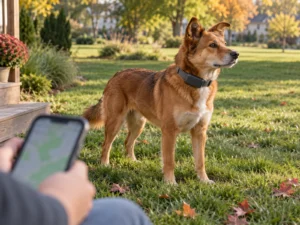
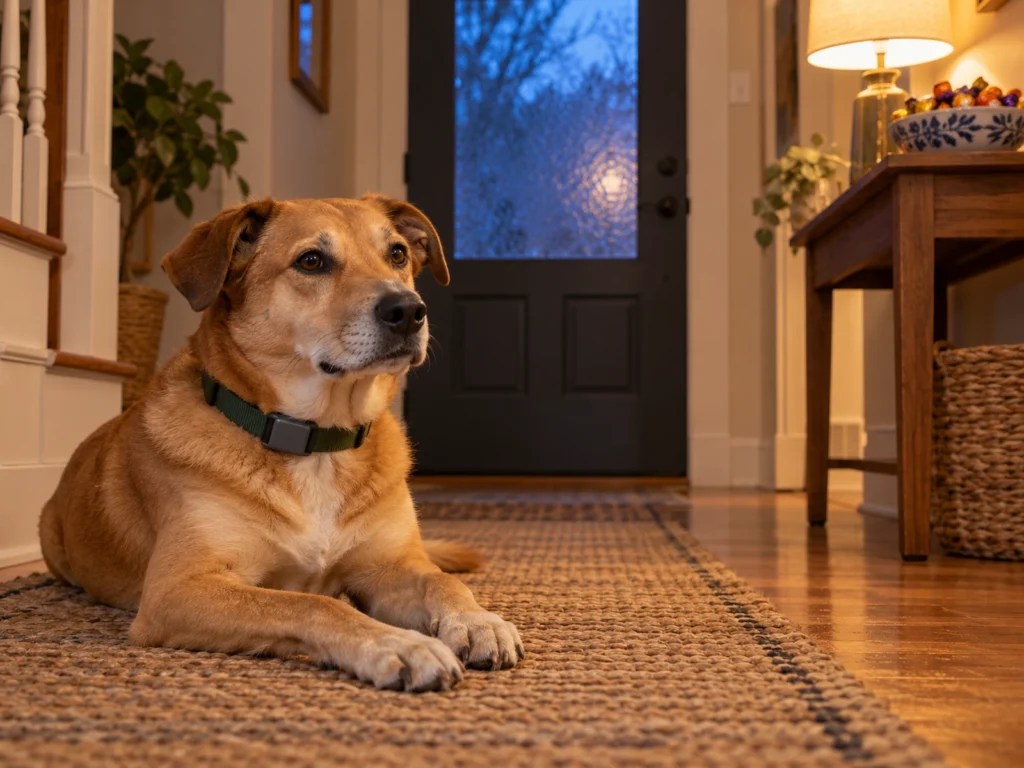
On Halloween, Saturday, October 31, the front door opens every time trick-or-treaters ring, and a dog only needs one of those moments. If yours wears a Tractive or Fi tracker, the escape alert won’t come as it slips out. It starts only after the collar loses touch with your home Wi-Fi or base, and then it waits for GPS. On a Tractive with no fence drawn, it doesn’t come at all.
You can set both trackers up beforehand to warn you sooner. Neither replaces the American Veterinary Medical Association’s advice for Halloween. A dog that’s wary of strangers belongs in a room away from the front door during trick-or-treating hours, wearing the microchip, collar and tag that would get it home.
A Power Saving Zone sends no alert
With a Power Saving Zone set up, a Tractive spots your home Wi-Fi, goes to sleep and stops reporting GPS positions to save battery. Tractive rates the DOG 6 at up to two weeks a charge with a zone set up. Without one, its figure is up to six days.
Walking out of that zone triggers no notification, because alerts come from a different feature, a Virtual Fence set up as a Safe Zone. If you created the Wi-Fi zone and never drew a fence, the app will show the dog moving on the map, but nobody gets an alert.
We’d draw that fence first, from the Map tab: tap the plus icon, choose Add Virtual Fence, then Safe Zone.
Fence alerts go to everyone you’ve shared the tracker with. If one adult is handing out candy and another is out with the kids, both phones hear about it.
Draw the home fence as a custom shape
A circular Tractive fence can’t be smaller than 100 meters across, about 330 feet. Unless your yard reaches about 165 feet in every direction from the center, that circle runs past your yard into the street or the neighbors’ lots. The dog can be well down the block before it crosses the line.
Tractive’s fence guide puts the smallest rectangle at 100 square meters. Its page on fence sizes says 100 by 100 meters, which would be bigger than the smallest circle. A custom shape has no minimum on either page, and the app warns you when one is too small for accurate alerts. Trace the yard with it, leaving some margin past the fence line.
GPS is less accurate indoors, Tractive explains, so a tight fence around the house can catch stray positions and send false alerts. Its answer is to keep the Power Saving Zone running alongside the fence, since a tracker asleep on your Wi-Fi reports no positions to misplace.
The smallest Fi Safe Zone circle has a 60-foot radius, so it’s 120 feet across. Squares and polygons start at 11,309 square feet, which is the same area as that circle. On a narrow lot, a polygon gets closer to the real yard. Fi suggests drawing the zone a little larger than the area you consider safe, so the dog doesn’t set off alerts at the edges.
The alert starts where your Wi-Fi ends
Neither tracker looks for the dog while it’s connected at home. A Tractive sleeps for as long as it can see your Wi-Fi. A Fi stays on its base over Bluetooth or on your Wi-Fi, and the base for the Series 3+ collar reaches up to 150 feet.
By our reading, a dog across the street but still inside that range shows as home. Only when the collar loses the connection does it switch on GPS and start reporting.
Tractive’s Virtual Fence page says the tracker checks the location about every two minutes in normal tracking. Its page on position updates says every 2 to 60 minutes, depending on how active the pet is. A pet on the move gets one about every 10 minutes on average. We’d plan on several minutes. Two is the best case.
LIVE mode cuts that to every two or three seconds. With a Power Saving Zone set up, you can’t start it ahead of time, because Tractive doesn’t offer LIVE inside one.
Fi’s GPS Rate at one minute for Halloween night
Fi sends an escape alert after two GPS reports put the dog outside a Safe Zone. Away from home, its default Smart GPS setting reports about once every five minutes. By our arithmetic, the alert lands five minutes or more after the first report.
The GPS Rate setting, on the quick action button of the live map, lets a household owner pick a report every 1 to 8 minutes. At one minute, the second report comes about a minute after the first.
GPS Rate applies only on GPS or cellular, away from home, and has no effect while the tracker is on Bluetooth or Wi-Fi. A faster rate costs no battery while the dog stays in. We’d switch it on the afternoon of October 31 and back to Smart GPS the next day. If the battery runs low, the tracker goes back to Smart GPS on its own.
If the dog gets out anyway
On a Fi, tap Start Lost Mode on the Live tab. It switches to live tracking, and the battery then lasts about two days. Lost Mode doesn’t turn on the collar’s light. On a Series tracker, tap Light on the live map so the dog is easier to spot in the dark, and keep an eye on the battery, since the light drains it faster.
A Tractive needs LIVE started from the map as soon as the alert arrives. It switches itself off after five minutes without use, and you can change that in the app.
Put either tracker on its charger on Halloween afternoon, so a dog that bolts at 8 p.m. isn’t running on half a battery. Most Tractive trackers fill up in two to three hours.
Test it with the collar off the dog
On a Tractive, carry the tracker past the fence on a short walk and note how long the alert takes to arrive.
A Fi tracker switches to its own GPS only when no phone running the Fi app is nearby. Carried by someone with the app open, it reports leaving home with that person. Force-close the app, or hand the collar to a neighbor who doesn’t have it, then walk it past the Safe Zone line. Check the time on the alert.