
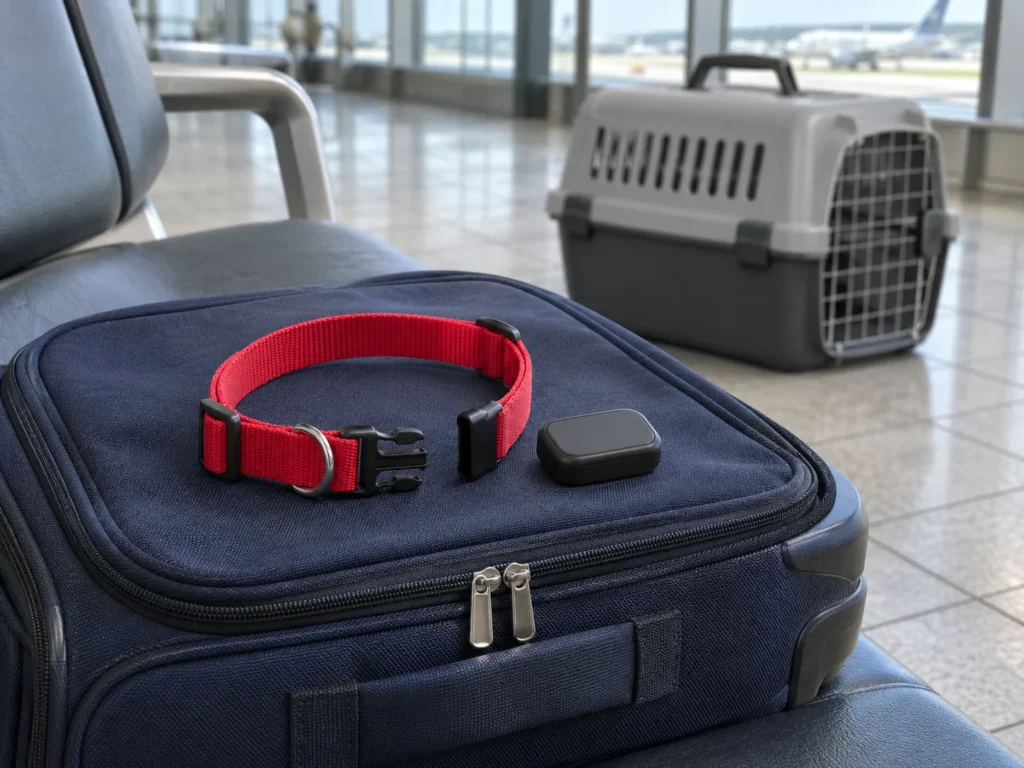
Before Thanksgiving travel, ask your airline whether your pet can wear its GPS tracker in the carrier and whether the tracker must be off. Give the airline the exact model and say whether your pet will fly in the cabin or travel in the hold. A Fi Series 3+ has no manual power-off switch, so sort that out before you pack.
What the FAA says about lithium batteries
The FAA prefers lithium-powered electronics in carry-on baggage. Its general guidance requires devices in checked bags to be completely off and protected from damage and accidental activation. Spare lithium batteries belong in your carry-on. The agency has separate guidance for certain small baggage trackers. Ask the airline about the collar tracker in your pet’s carrier.
How to switch off a Tractive or Fi Mini
On a Tractive, hold the tracker’s power button for three seconds. Listen for descending beeps and look for the red light. Tractive says the red light can stay on briefly while the unit sends its last data. Wait for the light to go out.
Take the Fi Mini out of its collar mount or case. Hold the button next to the USB-C port for four to five seconds. Fi says the light goes out when the unit shuts down.
If you have a Fi Series 3+
The Fi Series 3+ and Series 3 shut down when the battery runs out. Fi says they can’t be turned off manually. If the airline requires the tracker to be off, ask whether you can remove it and carry it separately in the cabin. Make that plan before check-in so you have time to confirm what the carrier allows.
Check the tracker after arrival
Reattach the tracker in a secure place and check that it sends a new location before you rely on it outside. For a Tractive, hold the power button for three seconds and look for the green light. If the device is on and the app still shows it as off after a few minutes, Tractive says it may be outside cellular coverage.