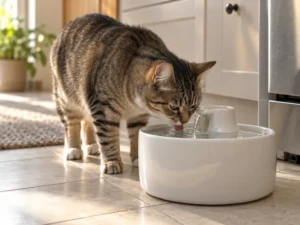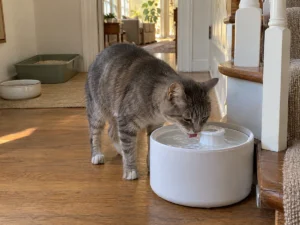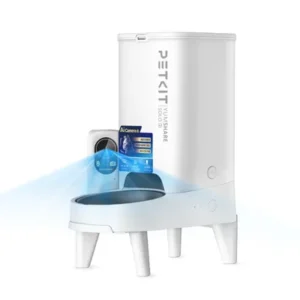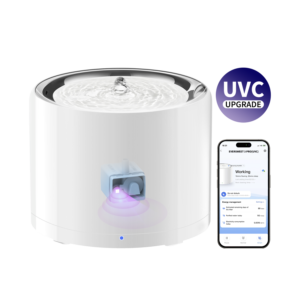
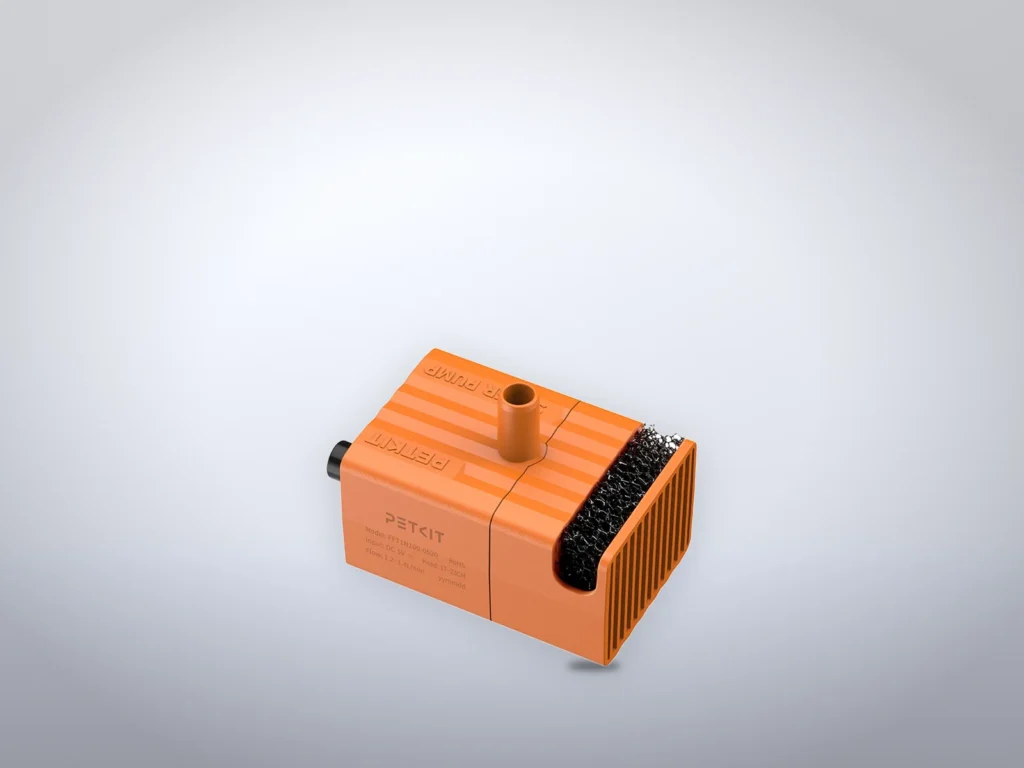
Cleaning a PETKIT water fountain properly means taking the wireless pump apart, not just the bowl. The hair and debris that stop a pump collect in its foam filter and around the impeller, out of sight under the tray. These steps cover the EverSweet Solo 2, Solo SE and 3 Pro, plus every EverSweet Max. All of them use PETKIT’s cable-free wireless pump.
The EverSweet Ultra, with its pump fixed in the base, has a routine of its own. Allow about 20 minutes, plus 10 minutes of soaking if a new filter goes in. If the water doesn’t come back afterward, check the water level and the pump’s seat before anything else.
Before you start
- The small brush that PETKIT packs with the Solo models and the Max.
- Small tweezers for the impeller, the tool PETKIT’s Solo SE video uses.
- Warm water, mild dish soap and a soft sponge. PETKIT’s help center warns against scouring balls and other hard scrubbers on the trays.
- A dry cloth for the parts that hold electronics.
- A new filter if the filter light is flashing or the change date has come. The Solo models and the 3 Pro take PETKIT’s Filter 3.0. The Max models take a rectangular filter of their own.
Take the fountain apart
Unplug the USB cable on a Solo 2, Solo SE or 3 Pro before anything comes out. On a Max, unplug the power cord if one is connected.
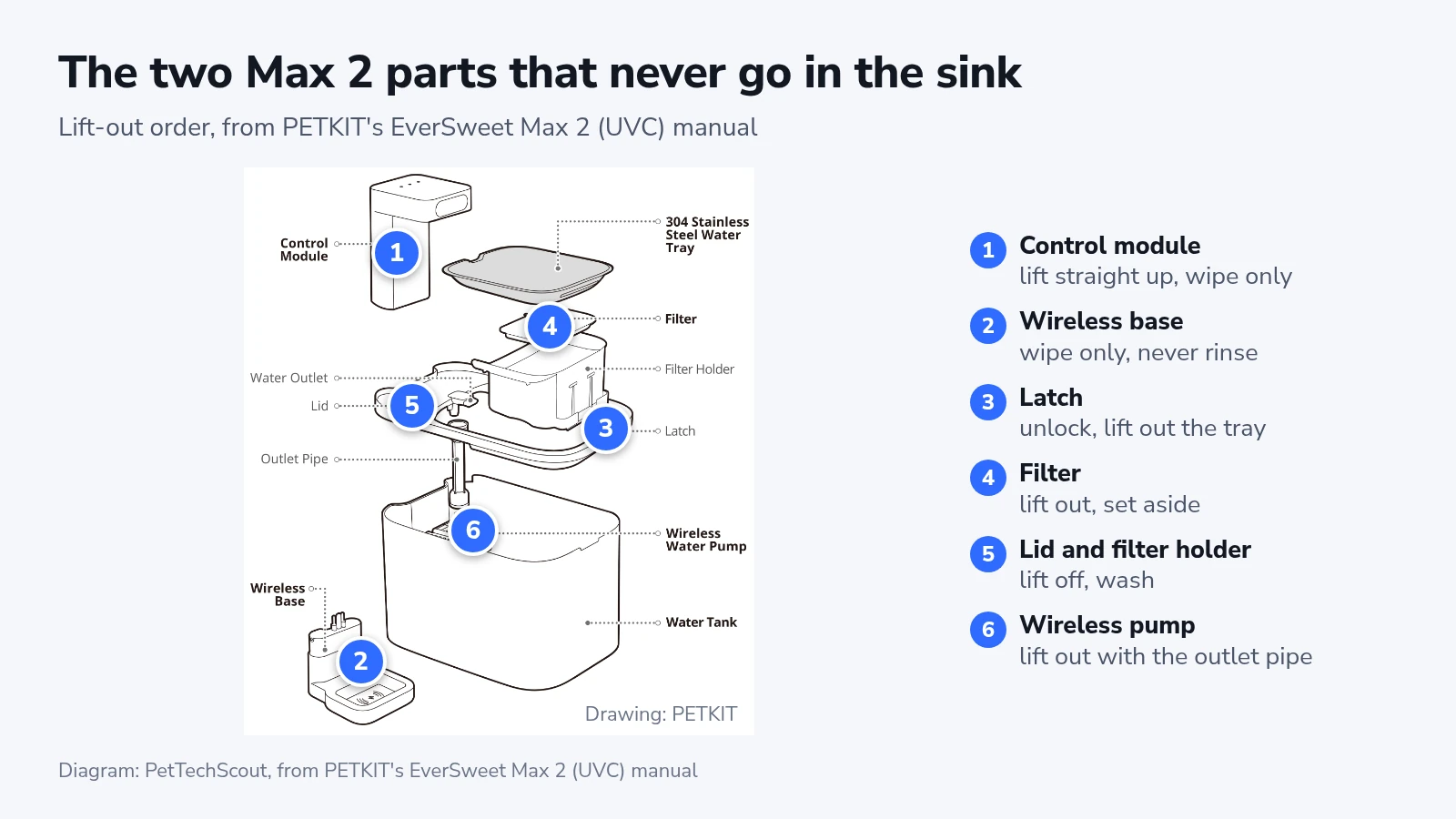
PETKIT’s manual for the EverSweet Max 2 (UVC) gives this order, and the Max and Max 2 come apart the same way:
- Lift the control module straight up and out.
- Take off the wireless base. Wipe it and the control module with a dry or slightly damp cloth. Never rinse or soak either one, because both hold electronics.
- Unlock the latch and lift out the stainless steel water tray.
- Lift the filter out of its holder and set it on a clean plate.
- Lift out the filter holder and the lid.
- Lift the wireless pump out of its groove in the tank, with the outlet pipe still on it.
On a Solo 2, Solo SE or 3 Pro, the order in PETKIT’s Solo SE video is shorter:
- Lift the drinking tray off the top.
- Lift out the filter, then the filter tray under it.
- Lift the pump out of its round groove, outlet pipe and all.
The Solo main body sits on a separate base that carries the power cable. Lift the body off and keep the base dry. The Solo 2 and 3 Pro manuals say not to immerse or soak it.
Take the wireless pump apart
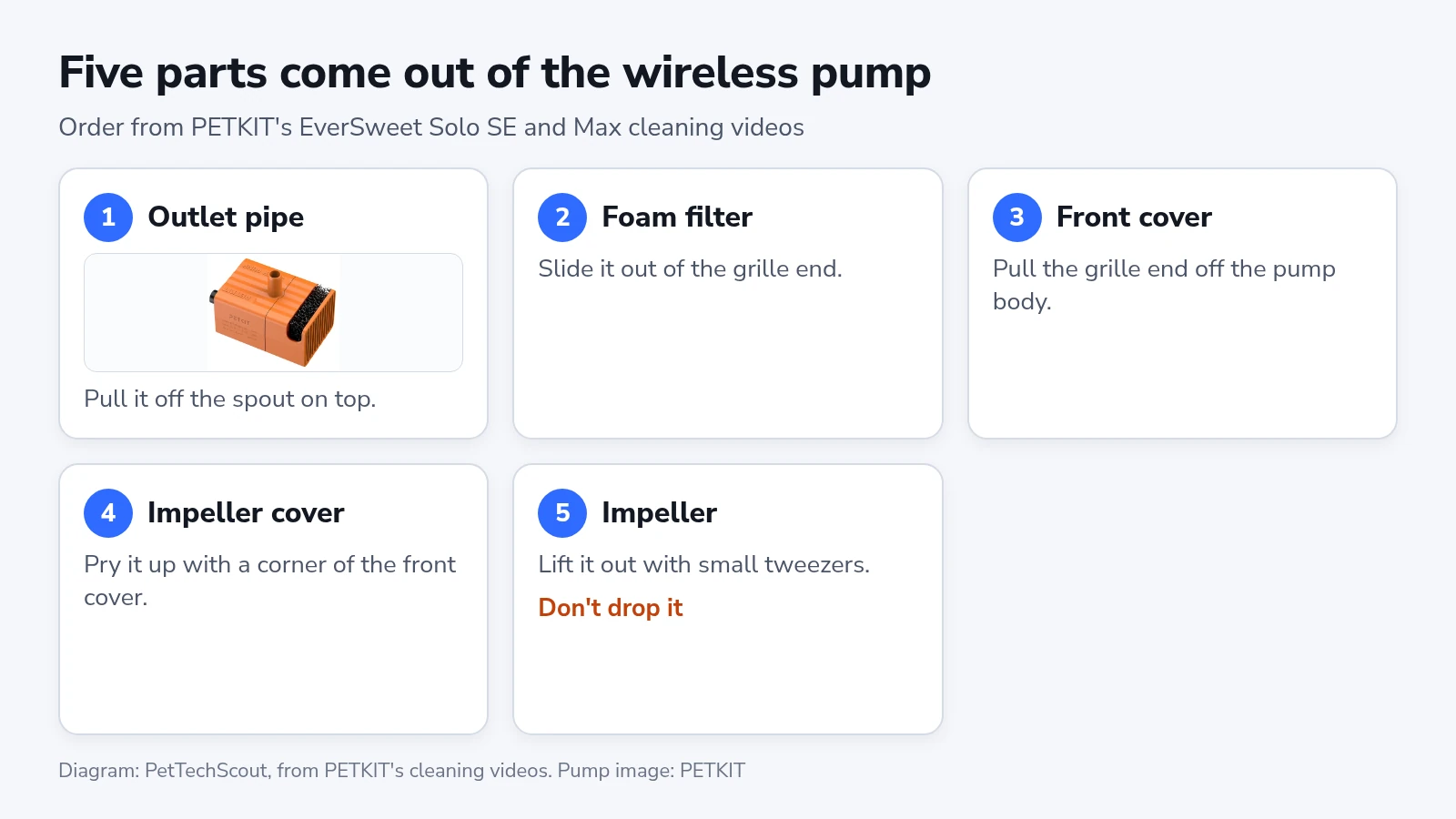
PETKIT sells one replacement pump, the FFT1-2, for every model here except the Solo SE. Its Solo SE and Max cleaning videos take the pump apart into the same five pieces. Work over a towel, because the impeller is small.
- Pull the outlet pipe off the spout on top of the pump.
- Slide the foam filter out of the grille end. PETKIT’s videos also call it the filter cotton.
- Pull the front cover, the grille end, off the pump body.
- Pry the round impeller cover up with a corner of the front cover.
- Lift the impeller out with small tweezers.
Hold the impeller over the towel, because the Max manuals warn that dropping the pump can break the ceramic shaft inside it.
Wash and put it back together
- Wash the tray, tank, lid and filter holder (the filter tray on a Solo) in warm water with a little dish soap, then rinse them well. For stains on a tray, soak it in warm water first and wipe it with a soft towel.
- Brush the front cover, impeller cover and pump body under running water, one at a time. Run the brush through the outlet pipe too.
- Rinse the foam filter under the tap until the water runs clear.
- Give the main filter only a light rinse, as PETKIT’s video does, or fit a new one. Soak a new Filter 3.0 in clean water for at least 10 minutes first, which PETKIT’s filter page asks for. For a Max filter, follow the instructions on its package.
- Turn the impeller by hand before you rebuild the pump. It should be clean, with nothing caught in it.
- Put the impeller back, then the impeller cover, the front cover and the foam filter.
- Push the outlet pipe fully onto the pump’s spout, then set the pump in its round groove at the bottom of the tank.
- Rebuild the rest in reverse order, fill with cold tap or purified water up to the MAX line, and switch the fountain on.
The clean worked when water wells up from the outlet again and no light is flashing. A Solo SE flashes green three times as it starts.
Where the models differ
The Solo 2 and 3 Pro flash a green light when the filter is due, and the Max models flash their filter light red. After a new filter goes in, their manuals say to finish the reset in the PETKIT app. PETKIT’s page for the Solo SE lists only a working light and a water-shortage light, so its filter date has to live on your calendar.
A Max on battery can look broken right after a clean. By default it pumps for 25 seconds an hour, and its status light stays green for 15 seconds before going dark. Plug it in to watch it run, or change the timing under “Energy management” in the PETKIT app.
The Solo 2, 3 Pro and a plugged-in Max pause in their intermittent mode, which PETKIT also calls smart mode. The default is 3 minutes of flow, then 3 minutes off.
PETKIT’s store page says the Max 2 (UVC) is built from dishwasher-safe, heat-resistant materials. Its manual never mentions a dishwasher and names no part that can go in one. The control module and wireless base stay out of water either way.
Boiling water doesn’t belong in a Solo or a Max. PETKIT’s help center says not to pour it into its fountains, even though the newer pump is sold as heat-resistant. The exception is the EverSweet Ultra, which has a boiling-water mode of its own.
Only the impeller cover and impeller come out of the Ultra’s pump. In the app, “Deep Clean” drains the water tray. You then pour boiling water into the tray up to its MAX line, and the fountain runs a cycle of about five minutes. Keep pets away while it runs. Don’t leave the mode early: the manual says the hot water would drain into the waste water tank and may damage the fountain.
When the water doesn’t come back
If two red lights stay on after a Max goes back together, the control module isn’t seated. Lift it out and lower it straight down again. Both lights go off once it sits properly.
A flashing water-shortage light (blue on the Solo models, red on a Max) means the level is too low. The pump stops itself so it can’t run dry, and it starts again once you refill to the MAX line.
If the lights look normal but no water rises, first rule out the pauses of battery or intermittent mode. Then work through PETKIT’s checklist. Check that the pump sits in its groove, that the outlet pipe is pushed fully home and that the pipe isn’t bent. Replace a deformed pipe. Last, open the pump again and clear anything caught around the impeller.
For a pump that is louder than before, PETKIT’s help center first asks whether the sound comes from the pump or from dripping water. Then it says to reseat the pump and clean it again.
Blue and green lights flashing in turn mean a power fault. On the Solo 2 and 3 Pro, the manuals say to plug the USB cable back in to restart. On a Max, PETKIT’s help center suggests charging the control module on its own for an hour, then putting it back.
Black specks in the water after a filter change come from activated carbon leaking out of a damaged cartridge. PETKIT calls the carbon non-toxic and offers a replacement cartridge.
If none of that works, PETKIT support asks for the serial number, the order number and a short video. Film the tank with only the pump left in it, covered by water and switched on, with the lights in view.
One calendar for PETKIT’s three schedules
PETKIT’s pages don’t agree on how often to clean. In the Max manuals, the tank gets a clean at least once a week and a thorough clean once a month. Outside summer, the Filter 3.0 page relaxes the weekly wash to every two or three weeks. According to the help center, a filter lasts about a month in normal mode and about two months in smart or battery mode.
Keep the manual’s weekly wash all year, because PETKIT’s help center says algae is very hard to remove once it appears. When it does, PETKIT recommends replacing the filter and the inner water container. The filter figures do agree, because the filter page gives 30 days in normal mode and 60 in smart mode. That puts everything on one monthly date:
| How often | What to do |
|---|---|
| Every week | Empty the fountain, wash the tray, tank and lid, and refill |
| Every month | Full clean with the pump taken apart |
| Every month, normal mode | New filter, on the same day as the full clean |
| Every two months, smart or battery mode | New filter, on every second full clean |
Change the filter sooner if its light flashes first. PETKIT’s filter page says the light follows the filter’s real condition, not the calendar.